
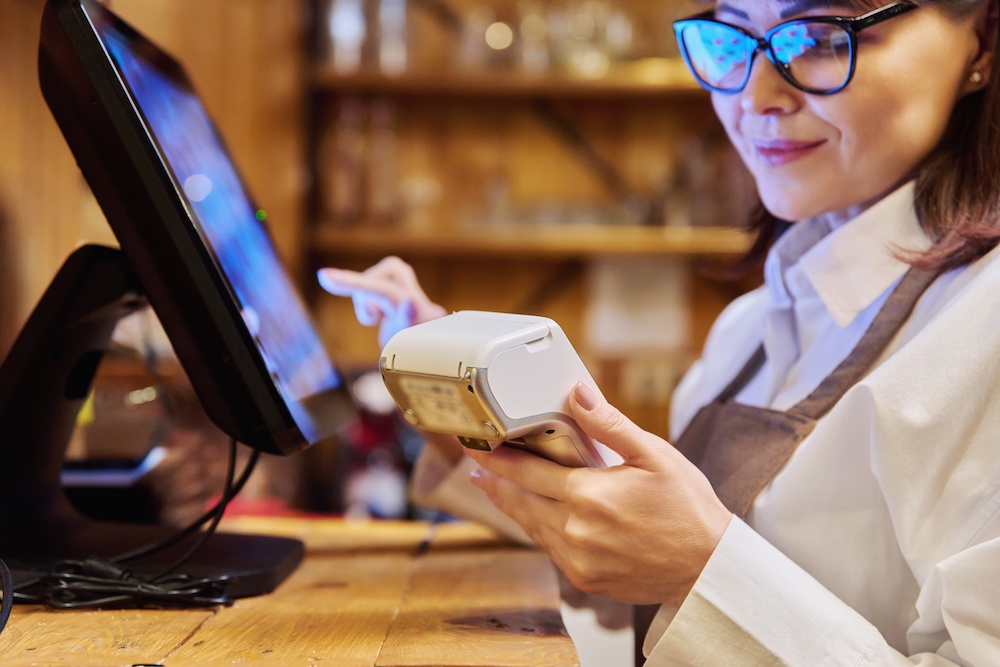
Every transaction that a business engages in must be carefully tracked and monitored to ensure accurate reporting. It is important that those companies have access to the most accurate records possible so that decision-makers are basing their choices on accurate details. That is where a point-of-sale (POS) system comes in.
What is a Point-of-Sale (POS) System?
The existence of POS systems is so common and expected that most of us simply don’t notice them or pay them much mind. However, they are an essential part of how any business operates. Investopedia.com defines a POS system like this:
A POS, or point of sale, is a device that enables merchants to process payments and log transactions. It is essentially a computer-based cash register with software capable of tallying up orders, taking payments, monitoring inventory and buying trends, creating invoices, and collecting marketing data.
The point-of-sale system can be anything from the traditional countertop cash register to smartphone apps that allow business owners to accept payments on the go. They are all highly important parts of the commerce landscape, and they all serve the function of assisting business owners in processing transactions and maintaining inventory levels.
The Connection Between POS Systems and Inventory Management
Aside from just totaling up the cost of an individual’s transaction, a POS system is also useful for tracking inventory levels throughout the operation. This matters greatly in a retail setting because retail stores must always keep a sharp eye out on the inventory levels of various products. This is the only way that the business owner can know for certain when they are low on a particular item and should reorder it. It also produces beneficial information about the popularity of certain product offerings.
Indeed, POS systems serve many inventory management functions, including the following:
- Real-Time Inventory Reports – How would you like to have up to the minute reporting on every item contained within your inventory? That is possible when you have a POS system that tabulates all that information for you. As each sale is processed, the POS system will automatically update the inventory levels within your databases to show you where things stand at that moment.
- Detailed Reporting – Aside from just showing you the raw numbers about where things stand, POS systems are also useful for getting detailed reports that are jam-packed with statistics about the quantity of various products. You can see how much of a particular item you are selling during certain times of the year, how often you might need to reorder those products, and what the cost of those products are for you over time. Every detail matters when you are trying to stay on top of your inventory levels, and that is why you need an advanced POS system that will help you with all of it.
- Automatic Reordering – You can take one more item off your “to-do” list when you use a powerful POS system. That item is the process of reordering specific items that you need to store in your inventory. The POS system can do this work for you. Simply set reordering parameters within the system ahead of time. When inventory levels hit your pre-authorized levels, the POS system will step in and automatically reorder the products that you tell it to.
- Barcode Scanning – Your POS system can have the ability to print barcodes for various products to make them even easier to track throughout the retail store. This is a great way to make certain that you know of the physical location of various products throughout the store as well. You will want to keep tabs on that as much as anything because you need to know where some of the best spots are for placing certain pieces of inventory that you are trying to move out.
- User-Friendly Interface – Don’t settle for anything that is overly complex or challenging to use. These days, the POS systems that are out there are specifically designed to be easy to use. You should have something that leans in on the usability aspect. If you are confused by how it works, then it is best to move on to another option.
- Customized Alerts – You are in full control over the alerts that you plug into the system. This is to say that you should tinker with them until you have set up everything in the exact manner that makes the most sense to you. These alerts are meant to make you aware of certain conditions within your inventory levels so that you can respond to them right away.
These are some of the things that you can expect from a top-notch POS system. You should settle for nothing less. When you have an excellent POS system that does a lot of the heavy lifting for you, it quickly becomes a lot easier to manage your inventory levels and stay on top of other key business tasks as well.
Why the Tailbase Style POS System is Right for You
Style the Tailbase POS system has all the elements mentioned above and so much more. Designed with the end-user in mind, the Tailbase POS system is trusted across a huge variety of industries, including retail.
Importantly, the Tailbase POS system has been specifically designed to integrate with your website with ease. This is critical to many retail businesses because they are likely already using some kind of system to monitor their inventory levels. When they plug the Tailbase system into place, they can quickly shift from what they were using before into this program.
Not only does Style by Tailbase keep up with your inventory levels, but it is known to assist with several other business functions as well. For more information and to request your free demo contact us.